


Gamblerina App: Mobile Casino Gaming
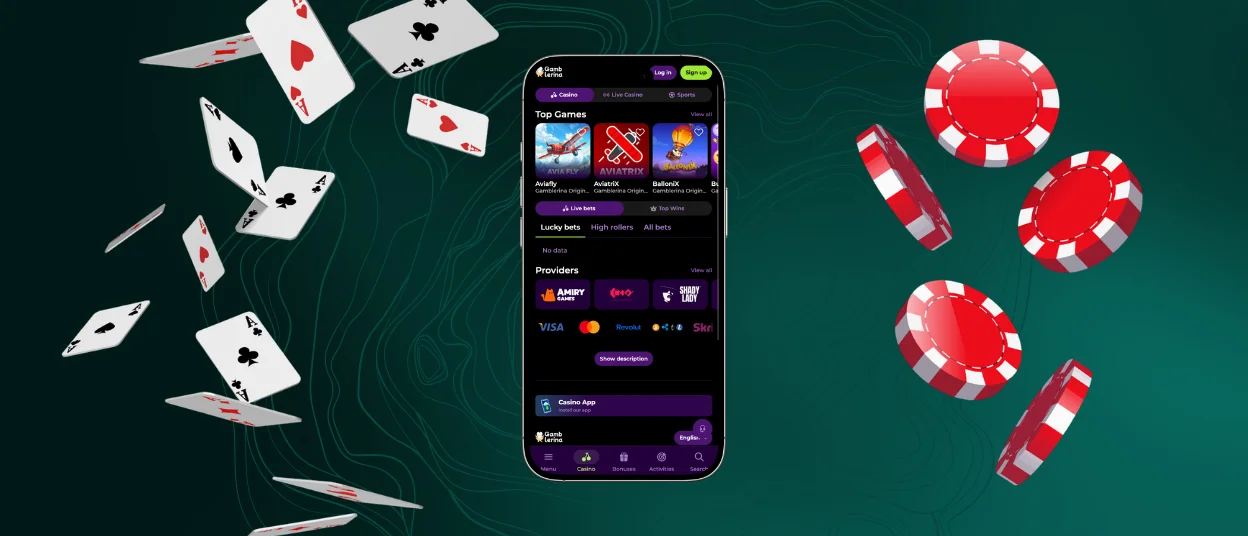
The Gamblerina app boosts your gaming experience and lets you play on the go with ease. We’ve ported all the functionality of the web version while ensuring a user-friendly design optimized for smartphones. Our mobile casino has benefits like full-screen mode, push notifications that you can change, and more. You can get access to our entire game library, including online slots, a live dealer section, and much more. The application is available for download on iOS and Android mobile devices as well as desktop computers.



Gamblerina Mobile Platform
Our top priority is to bring all the benefits of the Gamblerina Casino website version to the mobile software without compromising on convenience or portability. We chose Progressive Web Applications (PWAs) for several reasons. First, it downloads directly from the website, avoiding interaction with third-party resources. Second, our software takes up little space on the gadget, unlike its counterparts from the app store. And finally, PWAs update automatically and require no user interaction. If we compare our application to the browser version, here are the main advantages we can highlight:
| Benefit | Description |
| Touch Controls | Buttons and menus sized for comfortable navigation |
| Optimized Mobile Design | Clean layout with no zooming or horizontal scrolling needed |
| Push Notifications | Real-time updates on promotions and events |
| Faster Loading | Optimized performance for on-the-go access |
Gamblerina Mobile Versions
The mobile versions of our Gamblerina app run more smoothly and are available for download on iOS and Android. Some game categories, such as Crash Games, feel even better thanks to their fast-paced rounds. You don’t have to enter any extra information to log in; it’s the same as in the browser version. The downloading steps vary slightly depending on the platform your smartphone runs on. When you launch the program, it opens in full-screen mode and is best for touchscreens.
Step-by-Step iOS App Installation
To download the Gamble Rina Casino software onto your iPhone or iPad, just follow a few simple steps:
- Open the Safari browser and go to our official website.
- Click the “Share” button at the bottom of the screen.
- Then, scroll down and tap “Add to Home Screen.”
- Pick a name for the app or leave it as is, then tap “Add” in the upper-right corner.
Wait until the icon appears on your screen. Once you’ve logged in to the program, complete the verification process to access account withdrawals and other features. If you encounter any issues with the steps described above, please contact our support team via live chat or email.
Downloading and Using the App on Android
Android users can set up the Gamblerina app in their browser, much like iOS users, and they don’t even have to go to Google Play. Open our site on your browser, click the three-dot menu, and then click on the “Add to Home Screen” button. When you confirm the configuration, the corresponding icon will show up on your home screen.
Gamble Rina App for Windows & macOS
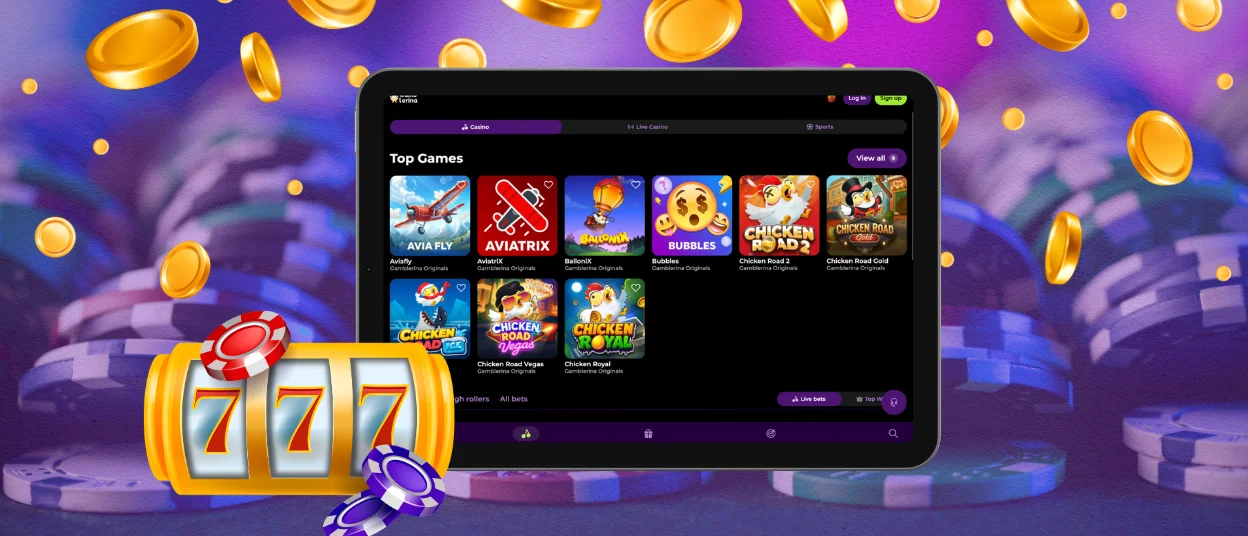
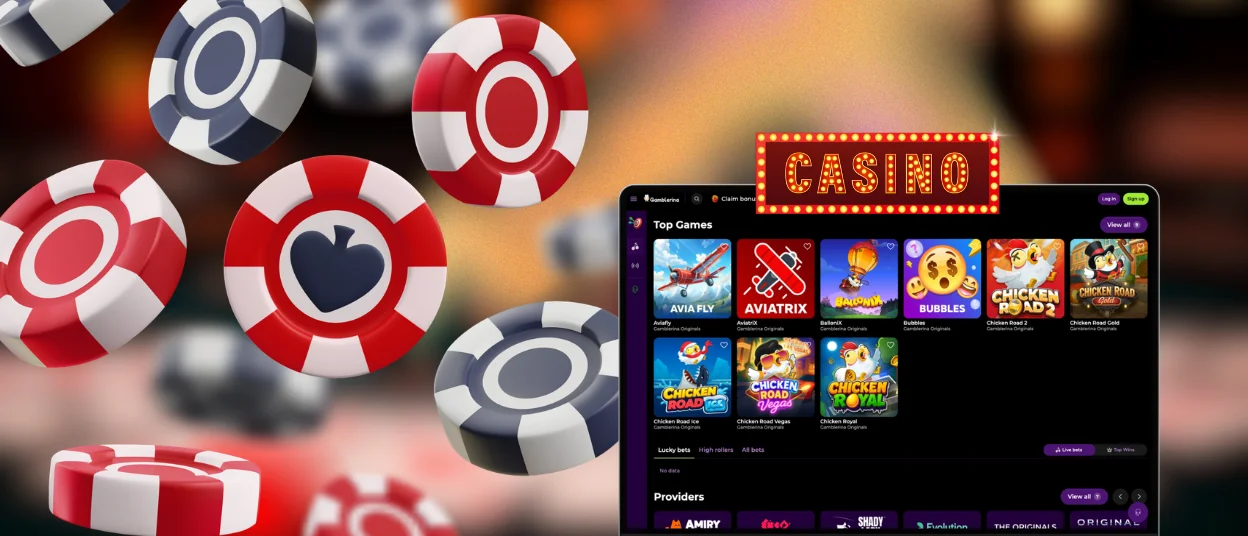
Our Gamblerina app is also available for download on Windows and macOS. Going to our website and hitting the “Install” button in the address bar is all it takes to set up. With one last confirmation, the icon will be added to your desktop, where you can get to it at any time. It works noticeably faster than the web version and, just like on mobile devices, supports full-screen mode. The application also lets you customize push notifications so you can receive them selectively by category or promotion type.
Security and Safety Features of the App
All data sent through the Gamblerina smartphone application is encrypted with TLS 1.3 and transmitted over HTTPS, the same level of protection used on computers. Your personal information won’t be collected without your permission, as the software only requires normal browser access. With automatic updates, the most recent security patches are applied right away, without the user having to do anything. On gadgets that support it, biometric authentication adds an extra layer of account security for both login and transaction confirmation.
FAQ
Is the Gamblerina application free to download?
Yes, you can get the Gamble Rina for free and install it on any device that supports it. Accessing, downloading, or launching the program itself doesn’t cost anything. When people want to play with real currency, they only need to deposit money into their accounts.
Will the software drain my phone battery quickly?
The Gamblerina PWA was created to use much less battery power than native casino programs, as it is optimized for energy efficiency. In contrast to standard software that runs multiple processes in the background, our PWA only works while active. This keeps the battery alive so you can play games for longer while you’re on the go.
Can I use the same account in the application and desktop at the same time?
Yes, you can be logged in to Gamblerina Casino on both your phone and your computer simultaneously. But if you start a game on one device while playing on another, the first session will be broken. This stops people from abusing bonuses and makes it easy to access on multiple gadgets.
Does the app support offline play for any games?
For all real-money games and account management, the Gamble Rina Casino program needs to be connected to the internet. Some demo versions of slot games can be played without internet after the initial load, but to use all the perks, like making deposits and withdrawals and playing live dealer games, you need to be connected.


